Docs & Knowledge Center
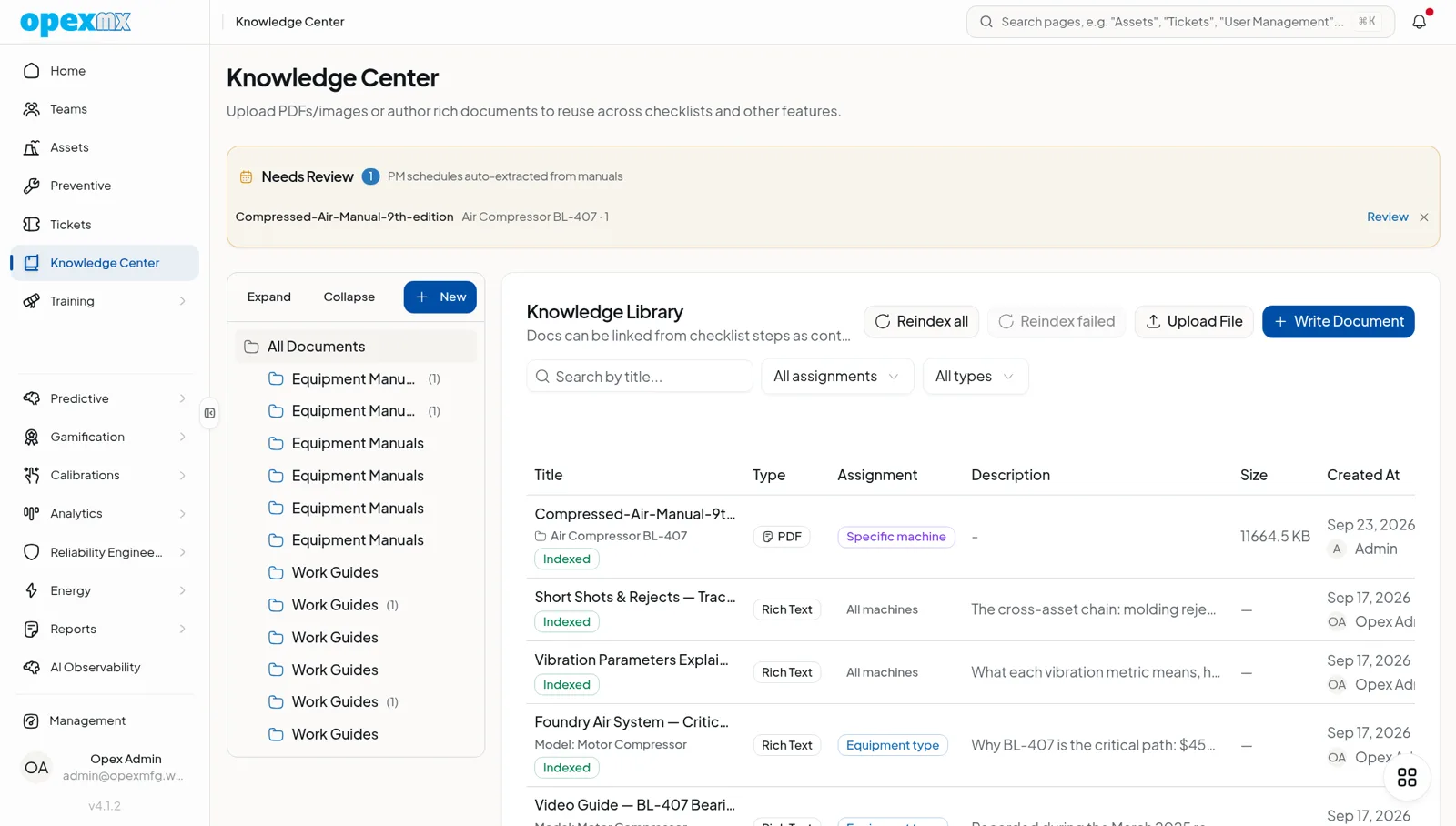
Find it: Knowledge Center in the sidebar.
Sound familiar?
- "Where's the manual for this machine?"
- "How do I fix this again?"
- "The guy who knew this retired last month."
When knowledge lives in people's heads, it walks out the door. When it's documented, it stays.
The Problem
Procedures are scattered across shared drives, paper binders, and tribal knowledge. New technicians take forever to learn. Problems get solved repeatedly because no one documented the solution.
What OpexMX Docs & Knowledge Does
Centralizes all maintenance documentation in one searchable, accessible place.
What You Can Store
- SOPs - Standard operating procedures
- OEM Manuals - Manufacturer documentation
- Troubleshooting Guides - Problem-solving procedures
- Safety Procedures - LOTO, PPE, safety protocols
- Training Materials - Instructional content
- Lessons Learned - What went wrong and how to fix it
Organize for Easy Access
- Folder structure by category
- Tag content for search
- Link to assets, tickets, and preventive plans
- Access control by user role
AI-Powered Search
Ask questions in plain language. Manuals and knowledge docs are chunked, embedded, and re-ranked by a cross-encoder so the most relevant passage comes back first — not just keyword matches. Runs on cloud (Workers AI + Vectorize) or on-prem (pgvector).
Who Uses This?
| Role | What They Care About |
|---|---|
| Technicians | Quick access to procedures on the floor |
| Trainers | Standardized training materials |
| Engineers | Troubleshooting history and solutions |
| Auditors | Documented procedures and compliance |
Pro Tips
- Use consistent naming conventions
- Tag thoroughly for search
- Link docs to relevant assets
- Encourage technicians to contribute
- Review and update regularly
- Make critical docs easily accessible
Integrations
- Assets: Link equipment-specific procedures
- Preventive Maintenance: Attach to task plans
- Tickets: Reference in work orders
- Checklists: Link to detailed procedures