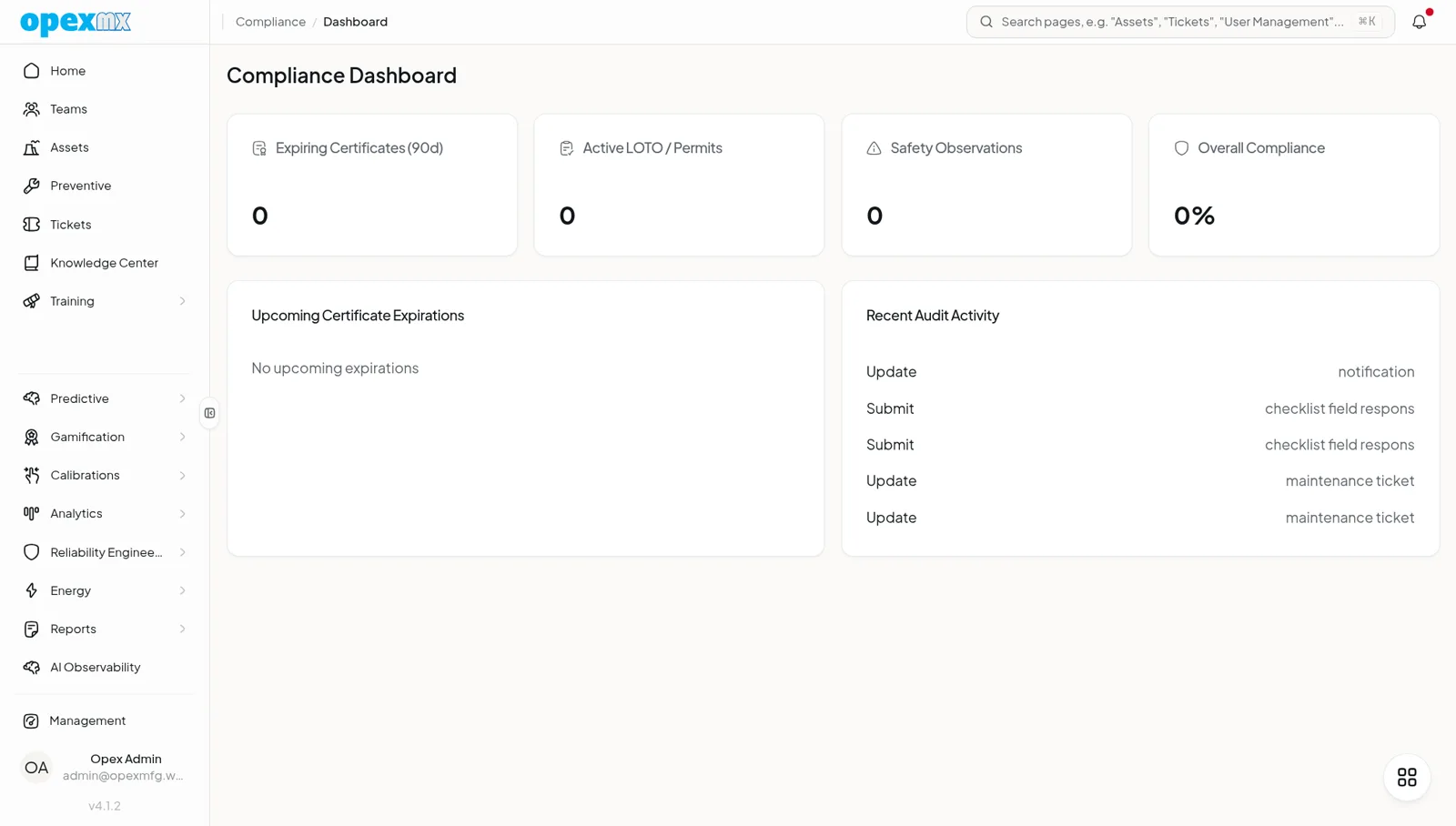
Compliance
Find it: Compliance under Management → Operations — Dashboard, Certificates, Warranties, LOTO & Permits, Safety Observations, Regulations, Audit Log.
Sound familiar?
- "Audit next week — where are our calibration and LOTO records?"
- "A permit expired and nobody noticed."
- "A near-miss got reported in a group chat, then lost."
Compliance fails when the evidence is scattered.
The Problem
Proof of compliance lives in shared drives, chat, and memory. Certificates expire silently. Permits are paper. Safety observations vanish. When an auditor asks, it's a fire drill.
What OpexMX Compliance Does
Brings every compliance artifact — certificates, warranties, permits, observations, regulations — into one system, with expiry tracking, workflows, and an immutable audit log.
Certificates & Warranties
Track certificates and warranties against any entity (asset, tool, part, supplier). Computed status — valid, expiring_soon, critical, expired — surfaces what needs attention before it lapses.
LOTO & Permits
A full permit/LOTO lifecycle: draft → pending_approval → approved → active → completed → cancelled, each transition its own step and audit-logged. Capture hazards, isolation points, linked asset, checklist, and expiry.
Safety Observations
Report unsafe_act, unsafe_condition, near_miss, incident, or positive behavior, with severity and status. One click promotes an observation into a maintenance ticket so it gets fixed, not just filed.
Regulations
Map regulations to entities (asset, tool, personnel, supplier, part, location) with a frequency, and assess each as compliant / non_compliant / partially_compliant / not_applicable / not_assessed. A dashboard rolls up average compliance per category and flags the lowest.
Audit Log
Every compliance action is written to an audit log you can query, summarize, and export.
How It Works
- Register certificates, warranties, and regulations against entities.
- Run permits through their lifecycle; each step is logged.
- Capture safety observations as they happen; promote to tickets.
- Assess regulations on schedule.
- Export the audit log when the auditor arrives.
Who Uses This?
| Role | What They Care About |
|---|---|
| Quality / EHS | Audit-ready evidence, no silent expiries |
| Operations | Permits that don't lapse mid-job |
| Safety Officers | Observations that become actions |
| Auditors | A clean, exportable trail |
Pro Tips
- Set renewal reminders well before
criticalso there's time to act. - Make the safety-observation → ticket path the default; it closes the loop.
- Assess regulations on a calendar, not on demand.
- Export the audit log periodically — don't wait for the audit.
Integrations
- Assets / Tools / Parts: certificates and warranties attach to entities
- Tickets: permits and safety observations link to or become tickets
- Checklists: permits reference a checklist instance
- Audit Log: every action recorded