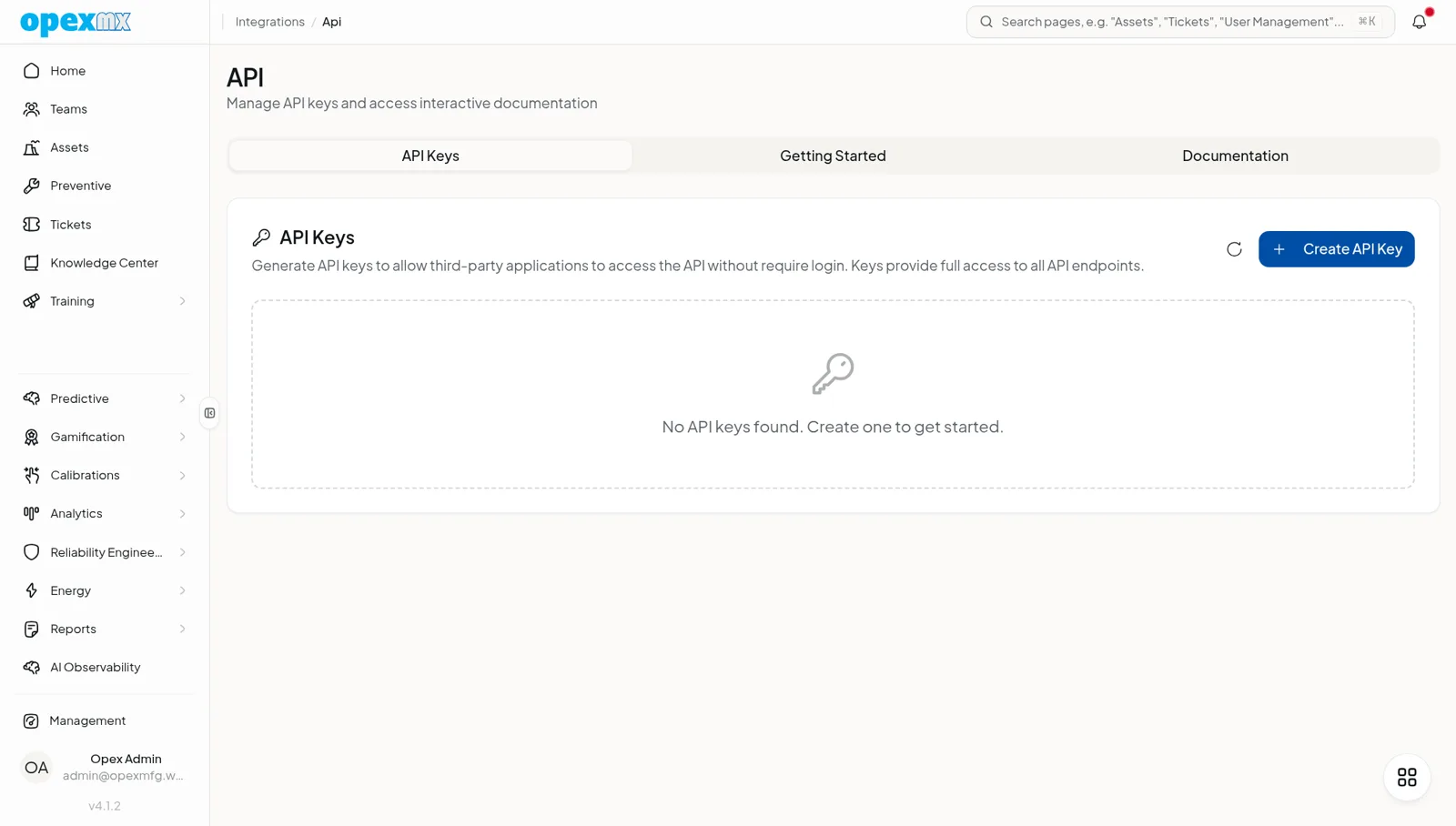
API & Integrations
Find it: Management → API & Integrations (Admin group): Webhooks, Inbound Webhooks, SAP, Epicor, API Documentation, MCP, Error Events.
Sound familiar?
- "Our ERP and our CMMS disagree on parts. Manually reconciling is endless."
- "We want our own script to react when a ticket is created."
- "Can an AI agent drive OpexMX?"
A maintenance system is only as good as its connections.
The Problem
Maintenance data needs to flow to and from ERPs, monitoring tools, and your own automations. Without real integrations, it's manual export/import, drifted records, and custom glue code nobody wants to own.
What OpexMX API & Integrations Does
Gives you webhooks (both directions), bidirectional sync with SAP and Epicor, an MCP server for AI agents, and an auto-generated OpenAPI spec.
Outbound Webhooks
Register webhooks for events (ticket.created, etc.) with a secret, headers, and a retry policy (maxRetries, backoff). Rotate secrets, fire a manual test, and track delivery logs and success rate per webhook.
Inbound Webhooks
Each inbound source gets a unique token, optional IP whitelist, and an event-type filter. Every receive is logged with payload, source IP, and processing time — so external systems push into OpexMX safely.
SAP & Epicor, Bidirectional
Real sync engines for SAP and Epicor: field mapping (assets, parts, work orders, purchase orders), delta sync of changed records, connection testing, per-entity sync logs, and a dead-letter queue with replay (retry-all and per-failure retry). Bidirectional — inbound and outbound.
MCP Server
Expose OpexMX to AI agents (Claude Code, Cursor, any MCP client). Auth is a single API key carrying the user's permissions; the server speaks JSON-RPC over stdio and offers curated tools (assets, parts, tickets, work orders) plus auto-generated and utility tools.
OpenAPI Spec
The API spec is auto-generated from the routes — your integrations code against what's actually there, not a stale doc.
How It Works
- Outbound: register a webhook for the events you care about.
- Inbound: hand a source its token; it pushes to OpexMX.
- ERP sync: configure SAP/Epicor mapping; run delta syncs; replay failures.
- Agents: point an MCP client at the server with an API key.
- Build: code against the live OpenAPI spec.
Who Uses This?
| Role | What They Care About |
|---|---|
| IT / Integrations | ERP sync that doesn't drift |
| Developers | Webhooks and a real API spec to build on |
| Data / BI | A clean way to extract and react |
| AI builders | MCP to drive OpexMX from an agent |
Pro Tips
- Start with outbound webhooks for the few events that matter; don't subscribe to everything.
- Let the DLQ catch ERP failures and replay in batches — don't fight it row by row.
- Scope the MCP API key to the least privilege the agent needs.
- Generate client code from the OpenAPI spec so it stays in sync.
Integrations
- Tickets / Assets / Parts / PM: the entities webhooks, sync, and MCP expose
- Notifications: webhook delivery and failures can alert
- Reports: API access feeds BI and executive dashboards