Menengah20 menit
Defining Shifts and Calendars
Define shifts, calendars, availability, and rotations so OpexMX knows exactly who is on the clock and when.
Defining Shifts and Calendars
Capacity planning is impossible without knowing who is actually on the clock. Shift management tells OpexMX when each technician is available, so the capacity bars reflect reality — not wishful thinking.
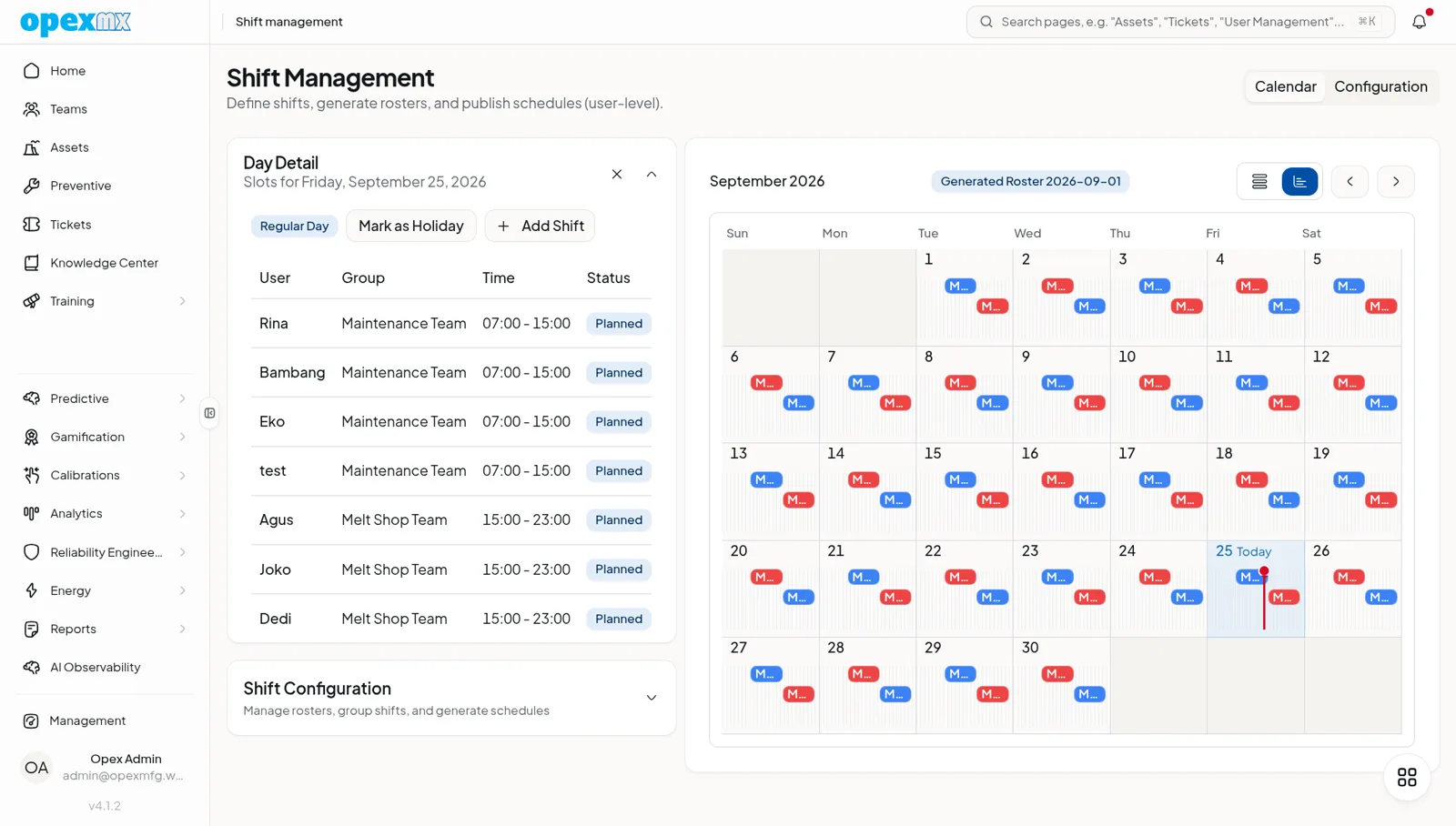
What to Configure
- Shifts — start and end times, break windows, the daily shape of a tech day
- Calendars — weekly rotation patterns, on and off cycles, weekend coverage
- Availability — leave, training, light duty, anything that reduces effective hours
- Rotations — shift swaps and rolling patterns for round-the-clock coverage
How It Feeds the Planner
- Define the shift once, then assign it to each technician
- Layer calendars for holidays, planned leave, and training days
- The planner subtracts unavailable hours from daily capacity automatically
Tips
Build next month's calendar before this month ends. A stale calendar silently overbooks your team, and the first sign will be missed SLAs.