Menengah15 menit
Balancing Workload Across the Team
Spread work fairly across the team and reassign mid-shift with every change syncing to the tech mobile app instantly.
Balancing Workload Across the Team
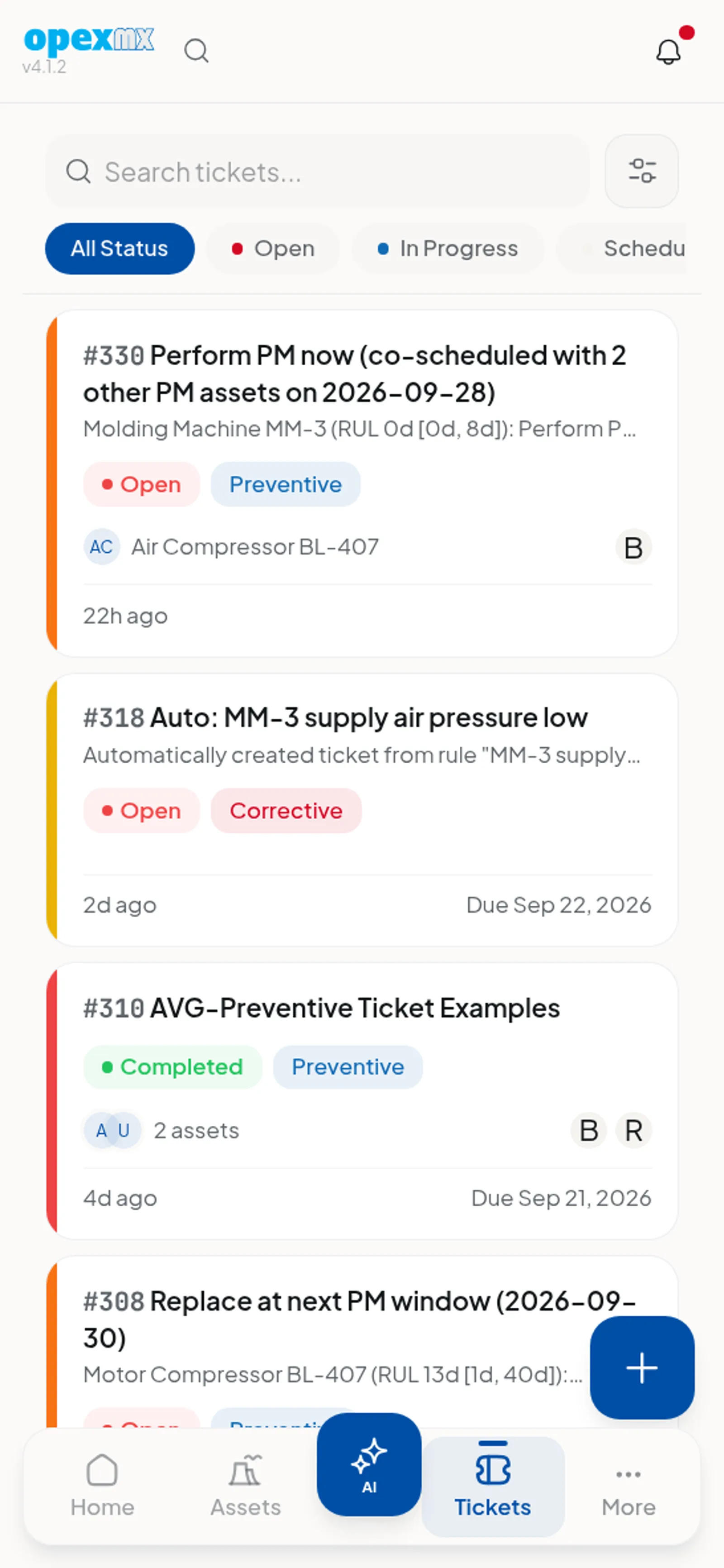
A fair plan spreads work so no technician is drowned while another coasts. OpexMX keeps load visible and, crucially, syncs every change to the tech mobile app in real time.
Keeping It Fair
- Watch the spread — the gap between your busiest and quietest tech should be small
- Mix job types — heavy rebuilds balanced with light PMs in the same week
- Respect seniority sparingly — seniors get the hard jobs, not all the jobs
Real-Time Sync and Mid-Shift Moves
- Reassign a ticket in the planner and the tech's phone updates within seconds
- The previous tech's capacity bar drops, the new tech's bar rises
- Add a note so the receiving tech knows why the work moved
Tips
When you reassign mid-shift, call the tech too. The app is fast, but a ten-second heads-up prevents a wasted trip to the wrong asset.