Pemula20 menit
Navigating the Interface
Learn your way around the OpexMX interface.
Navigating the OpexMX Interface
Let's take a tour of the OpexMX interface and learn where everything is.
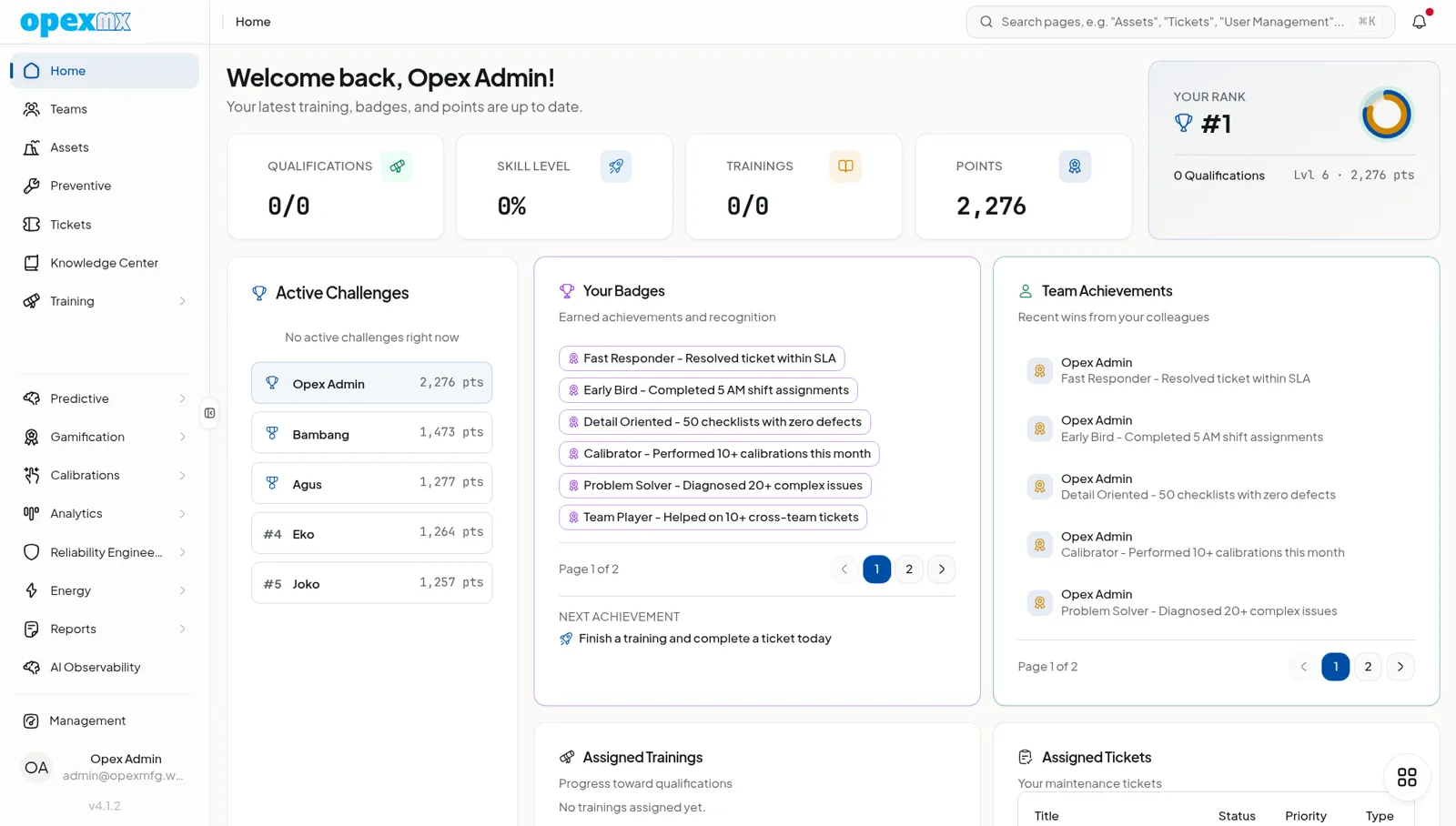
Main Navigation
The left sidebar provides access to all major modules:
- Dashboard — Your personalized overview
- Work Orders — Create and manage maintenance tasks
- Assets — Your equipment and facility registry
- Schedule — Calendar view of planned maintenance
- Inventory — Parts and supplies management
- Reports — Analytics and insights
Pro Tips
- Use keyboard shortcuts for common actions
- Pin frequently used items to your dashboard
- Create custom views for different workflows