CMMS demo: take a product tour of OpexMX
Pick a tour and click through real screens from the OpexMX demo workspace, one step at a time. No signup, no form. When you want to try it on your own plant, request a trial.
Real screen from the OpexMX demo workspace. Names and data are demo data.
Choose a product tour
Use the up and down arrow keys to switch tours.
Work order lifecycle
Follow one corrective job from the ticket list to a closed record.
Step 1 of 3
Find the job in the ticket list
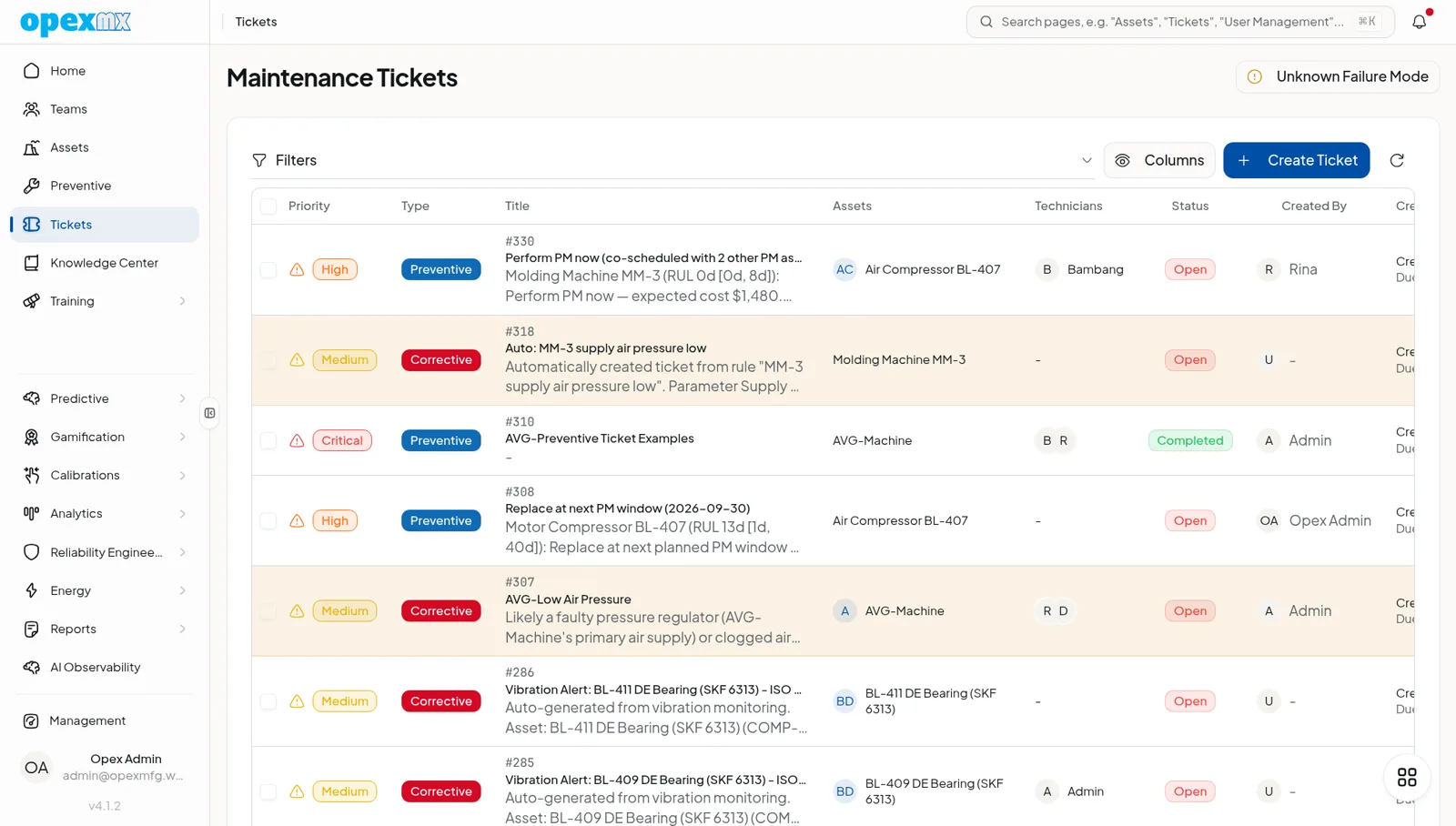
Every ticket shows priority, type, asset, technician and status in one row. Tickets raised by vibration alerts sit in the same list as the ones your team creates.
After the tours
The tours cover what the screens show. These pages cover the rest.
Try it on your own work orders
Request a trial workspace, or message our team on WhatsApp with questions about your plant.
Our team reviews every request within 4 business hours. No credit card.