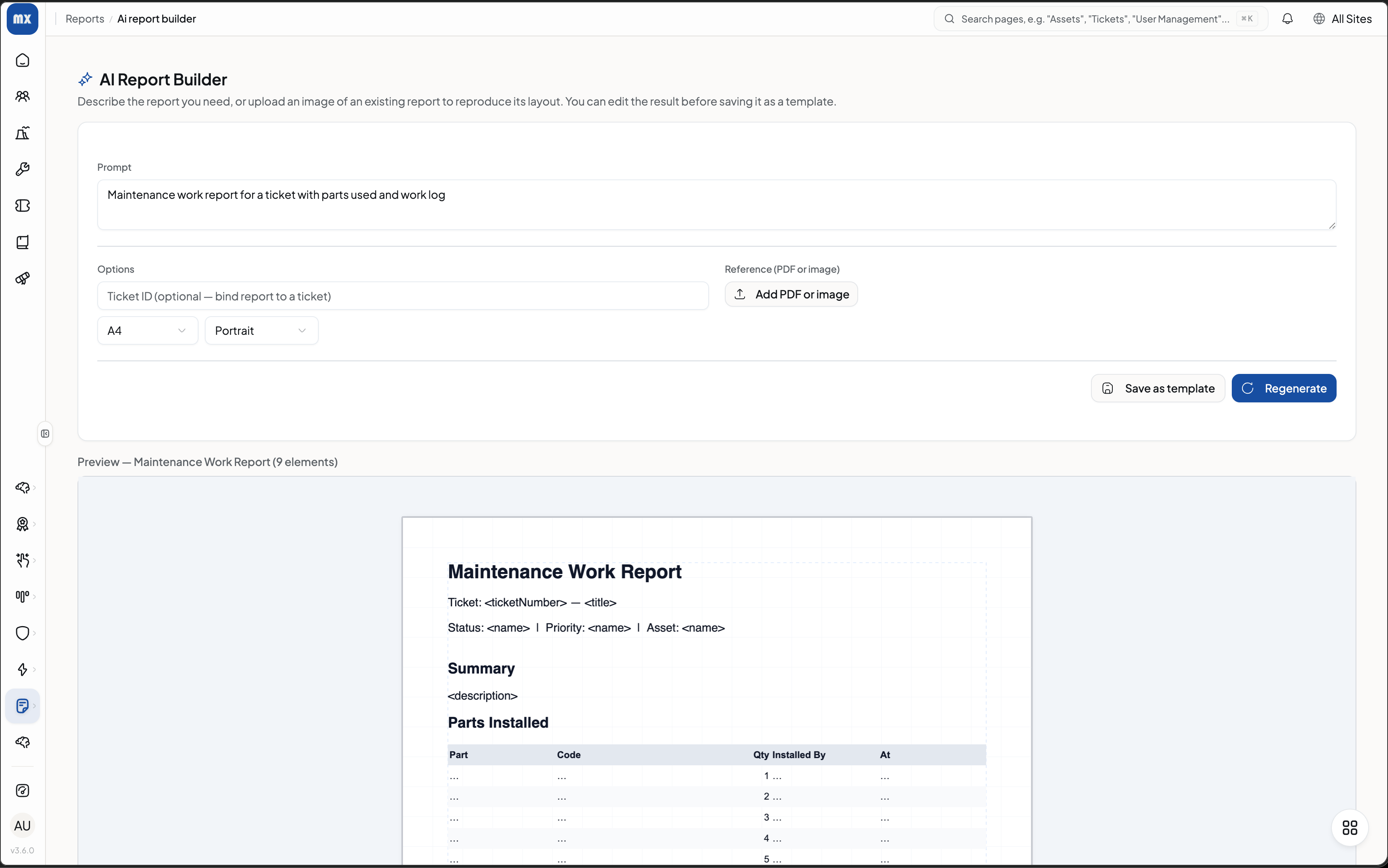
What is the AI Report Builder?
The Report Designer Module turns a single sentence into a structured maintenance report. Instead of copy-pasting from five screens, you describe what you want and OpexMX pulls the right data from your CMMS.
Generate a report template from a simple text prompt.
Generate a report template from an existing PDF report.
Edit any generated report whenever you need to.
How it works
Type what the report should contain — for example, consumed spare parts, activity log, problem identification, and comments. The builder reads your CMMS data, lays out the sections, and hands you a clean, editable template you can reuse across jobs.
Create a report including consumed spare parts, activity log, problem identification, and comments.
Because it starts from your real data, the output is already accurate — you just review and ship.